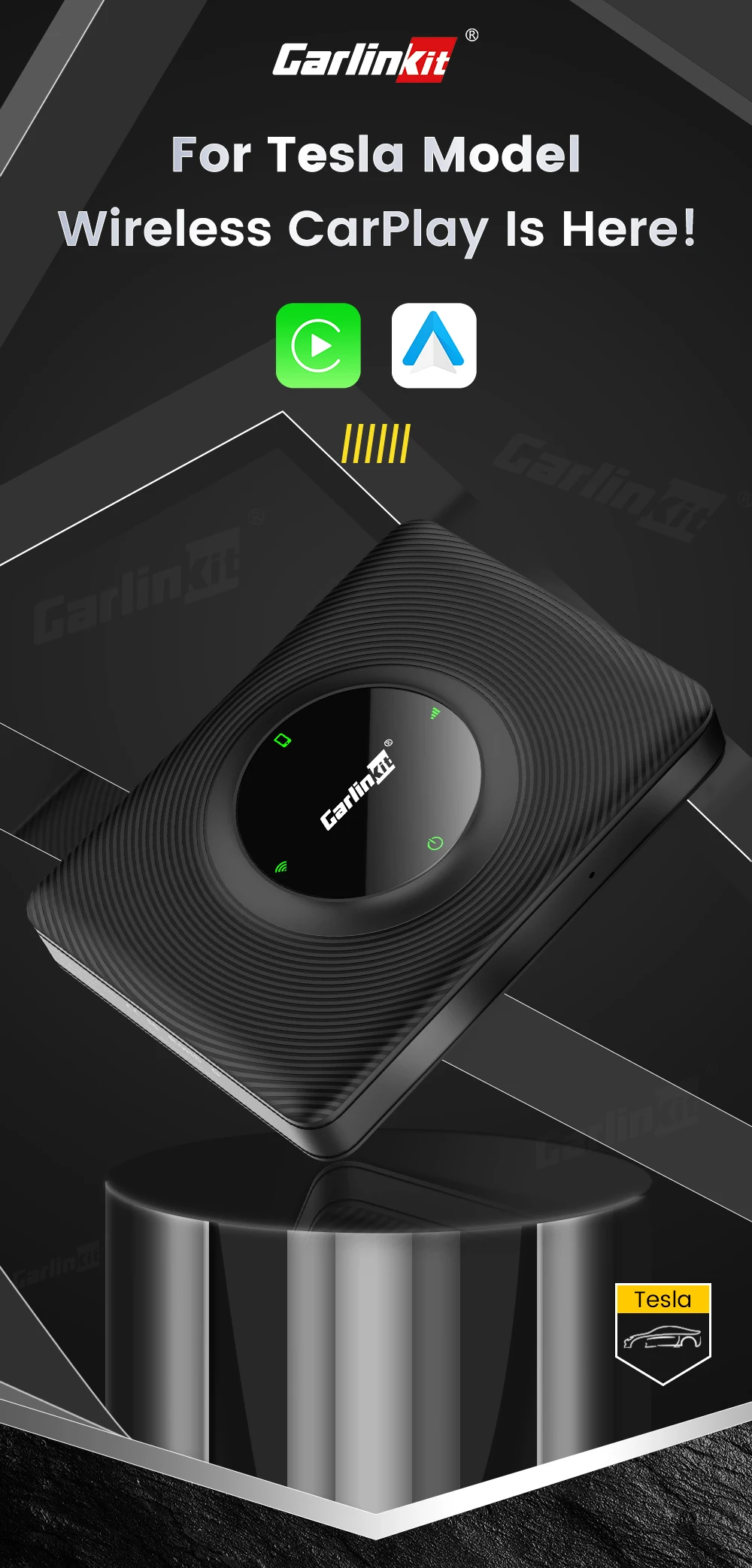
Wireless CarPlay Android Auto Adapter for OEM Tesla Models
This Wireless CarPlay adapter is suitable for Tesla all series models. Through the USB interface of the car, the original car can
be upgraded to wireless CarPlay or wireless android auto ( latest version). Provide users with a more convenient driving experience.
Warm Tips:
1.This Adapter cannot work in some regions (such as Taiwan, China) because the browser on original car cannot be turned on while driving.
2.Why Does T2C Need Network Online? - Tesla relies on the internet while driving out of consideration for safety. So T2C device keeps Car online always by prividing moblie phone network. Be careful to those devices without network.
Let's Start Wireless CarPlay or Android Auto On Tesla Now!
Apple CarPlay or Android Auto have long been the most requested features to come to the Tesla Model and now it's happening! This adapter gives you access to all apps, full touch screen support, wireless CarPlay, Bluetooth audio, and so much more!
Plug and Play Then Everything there
No need someone teach you how to install CarPlay on your OEM Tesla system step by step, simply plug the device to your car USB port to make it there.
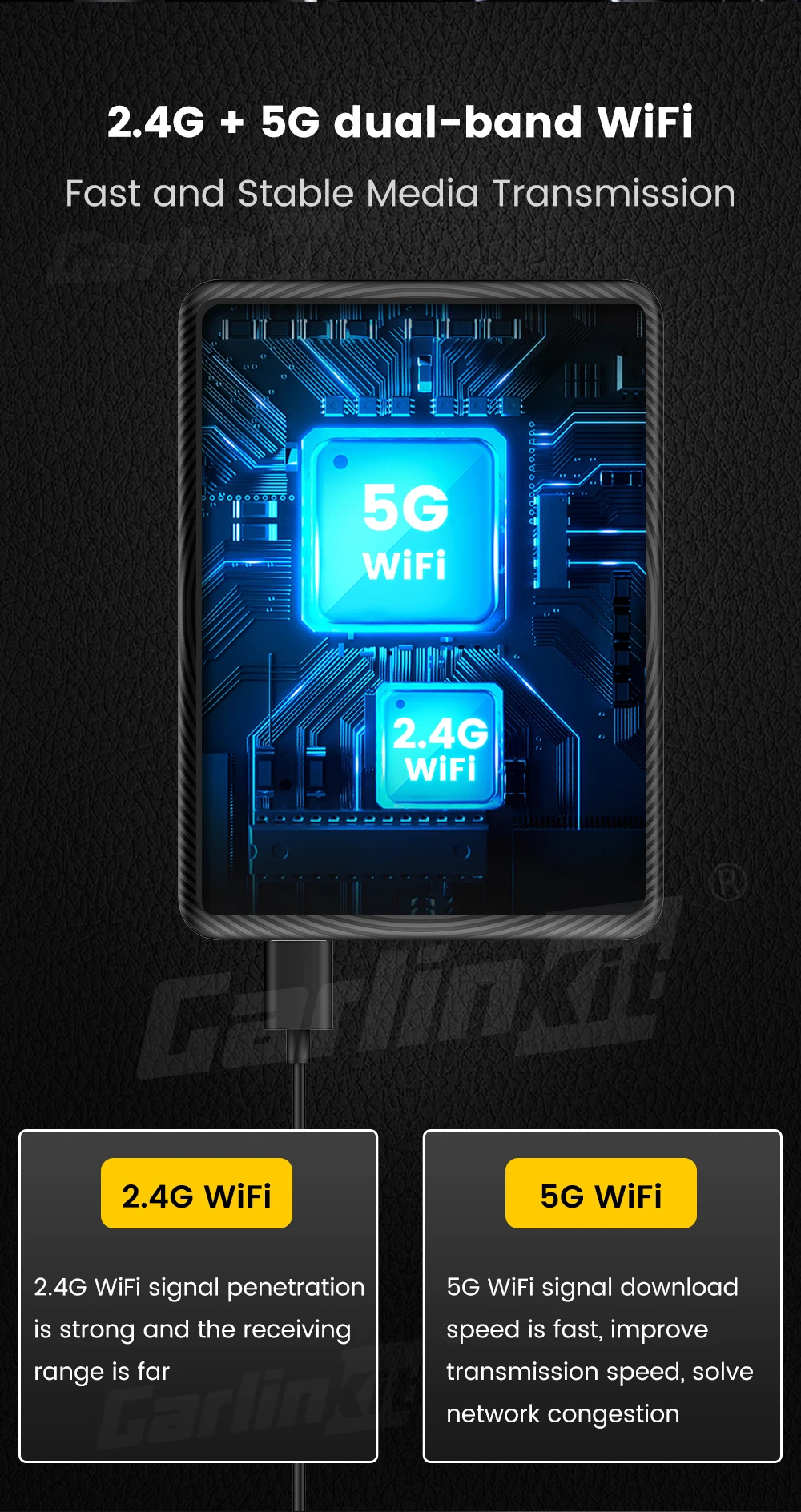
Warm Tip: Some model S and X only support 2.4GHz may bring bad experience for slow transmission)
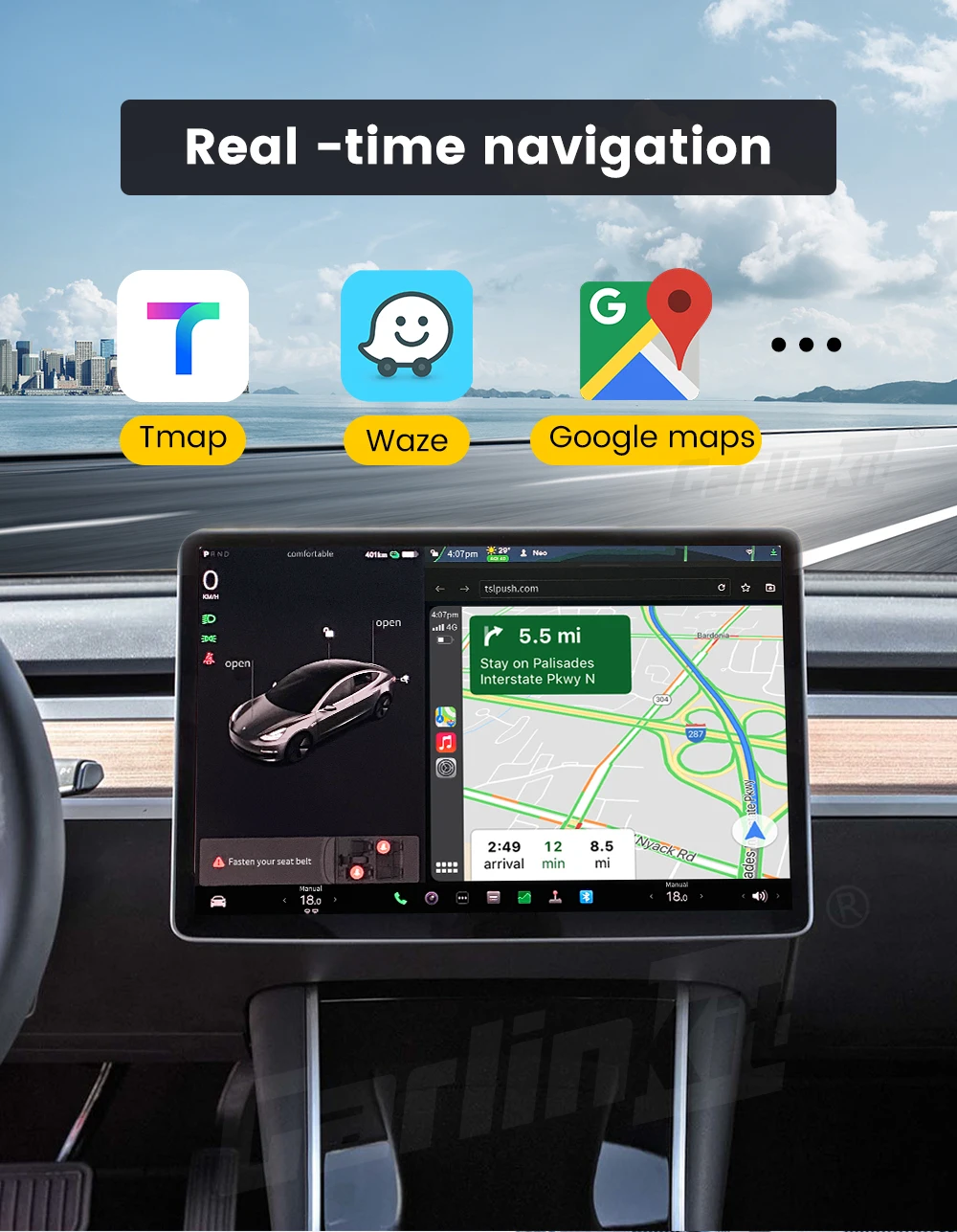
Real-Time Navigator Like Waze, Yandex Navi.
Apple maps and more navigators here now,. CarPlay can predict where you’re going.One‑tap access to your go‑to and must‑see destinations also helps you find more points of interest, driving to a favorite restaurant, or looking for nearby gas stations.
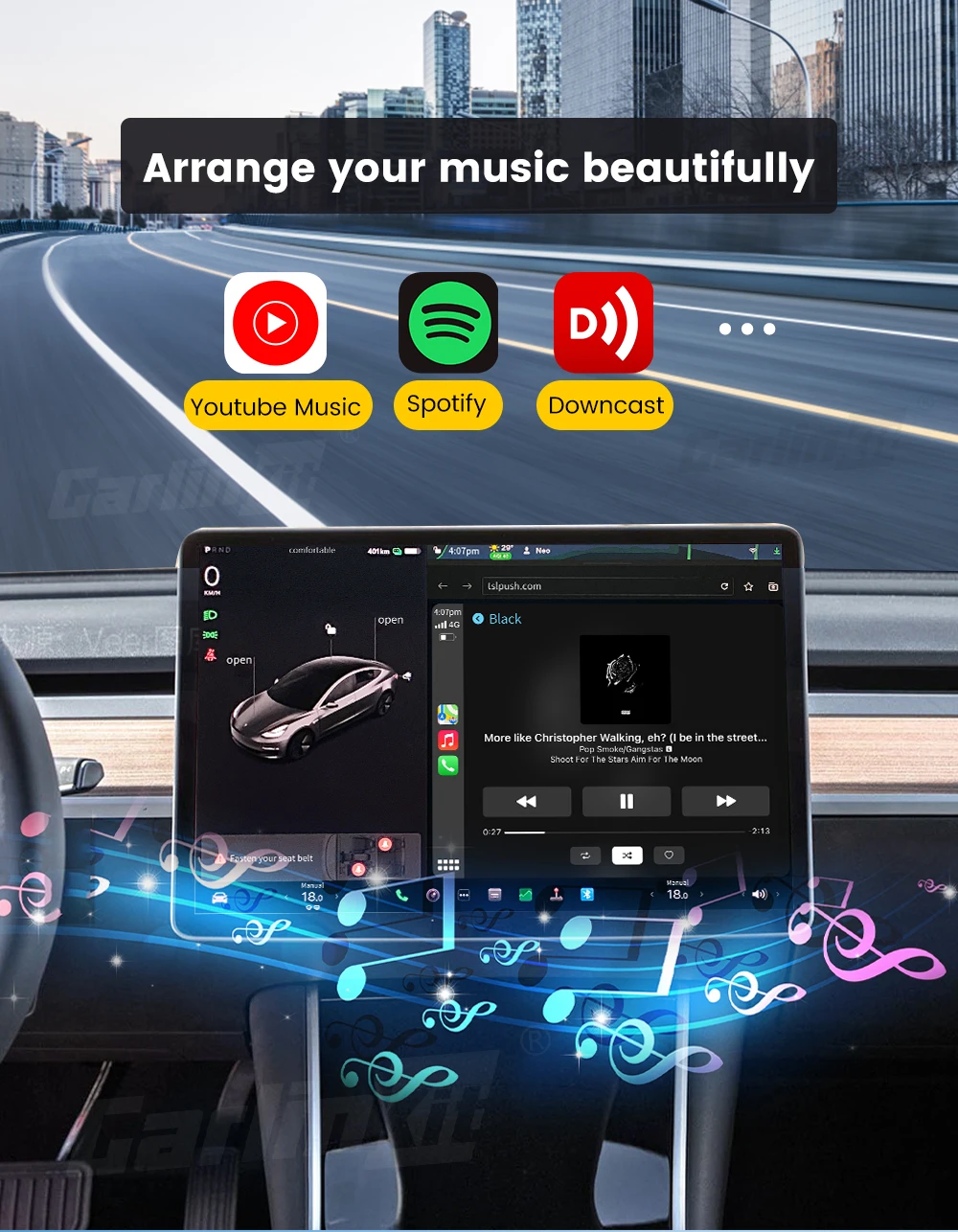
CarPlay Arrange Your Music Beautifully
Access all your content from your Apple Music subscription and additional audio apps using your car’s built‑in controls. Search by artist, album, or song. See what’s playing and what’s up next. You can ask Siri to play your favorite songs
All You Have To Do Is Ask
Make calls, return missed calls, and listen to voicemail. Siri can help you do all of these things. All you have to do is ask.
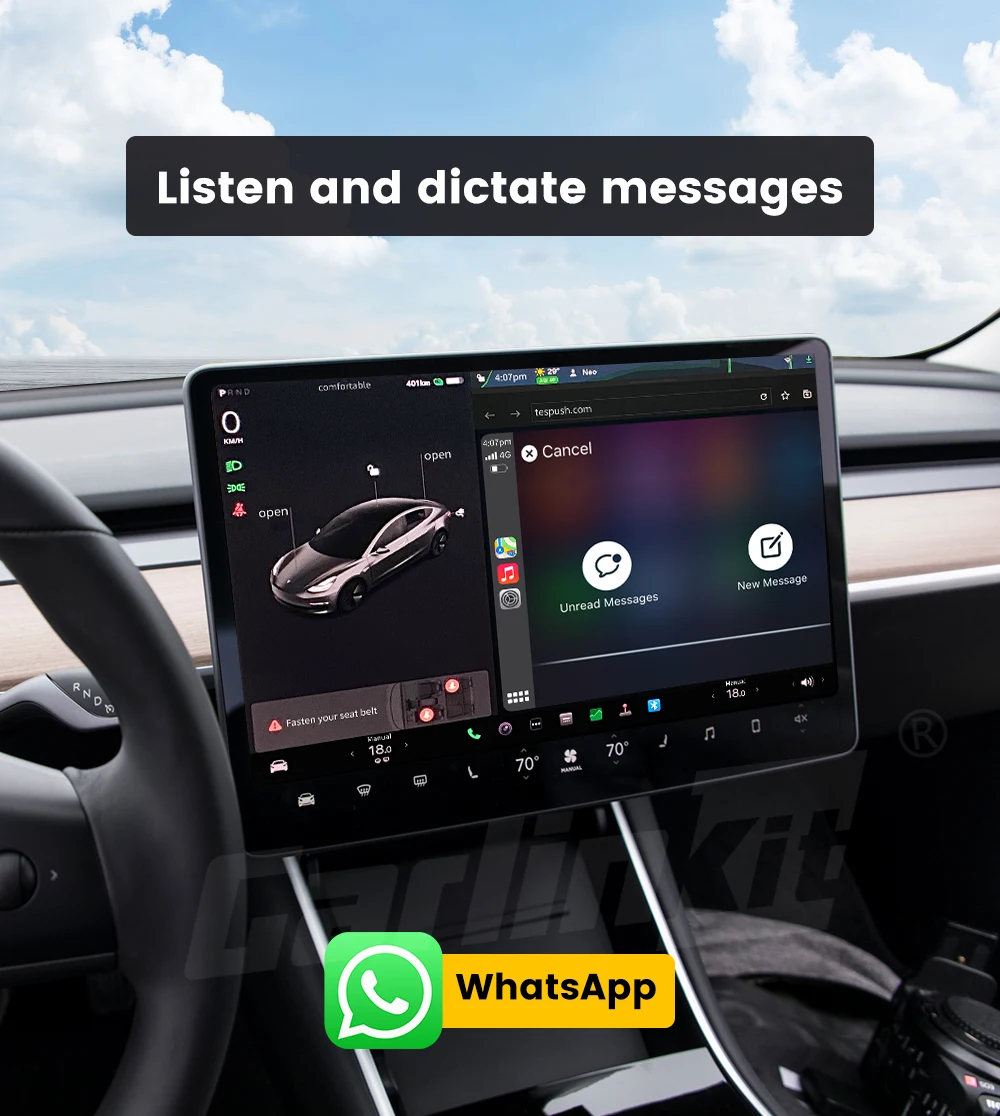
Listen and Dictate Message with Siri
You can send audio messages with Siri on iOS and CarPlay, so you
never have to look at your iPhone while driving. And you can have Siri announce your incoming messages, then simply speak to reply. You can
also ask Siri to share your ETA with someone from your contacts list while navigating with Apple Maps, to help keep everyone who needs to know
Fast and Stable Media Transmission
5.8GHz transmission rate, fast data transmission speed and low latency makes it simple for users to connect to Original Tesla models wirelessly, making it even easier to access apps using the car's display.
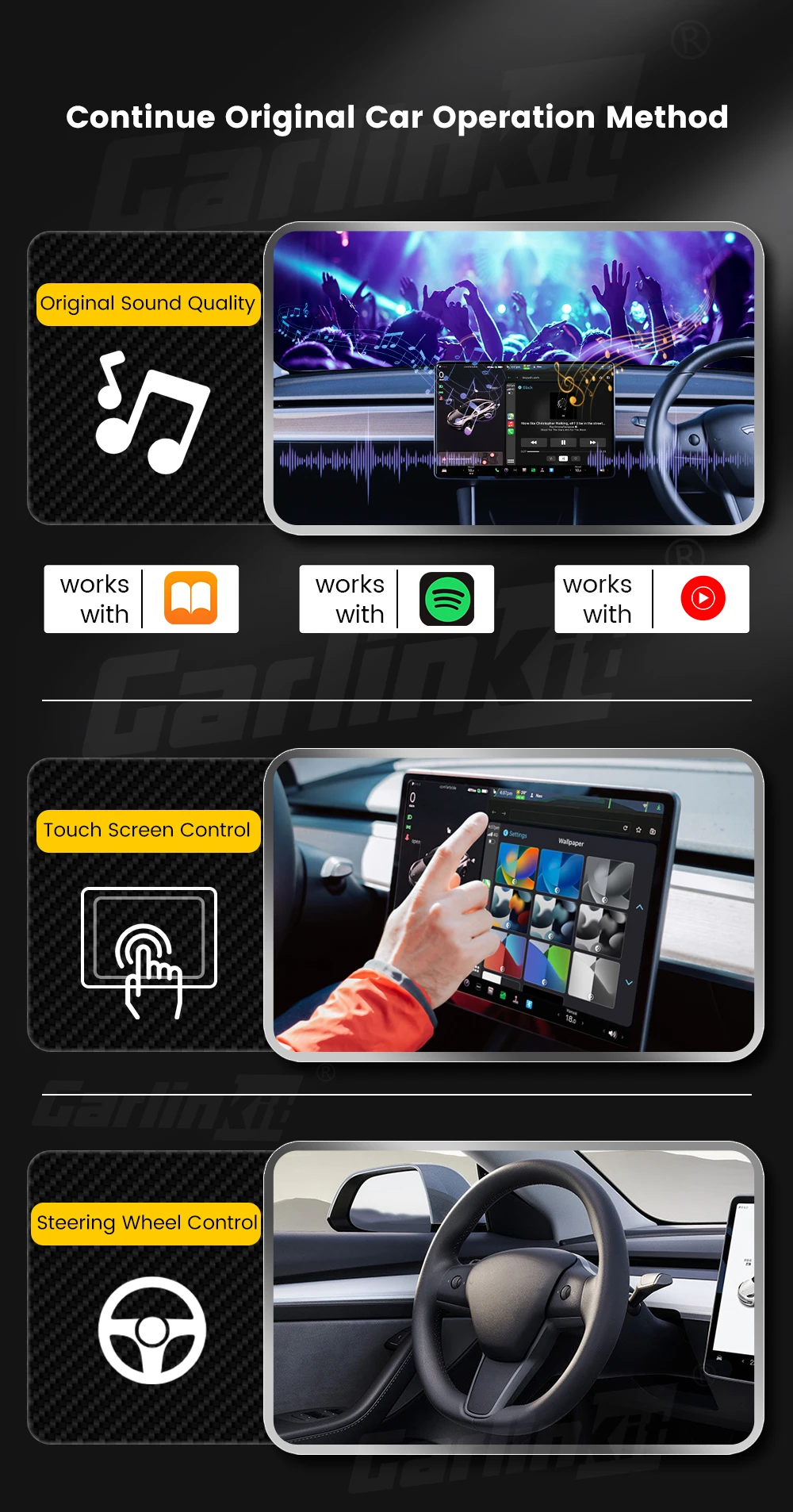
Continue Original Sound and Control
The T2C Adapter keeps all features of original car, compatible with the original car microphone, continue the original car sound quality, steering wheel, button, knob and other operation methods of your original car.
Compact and Sleek Design
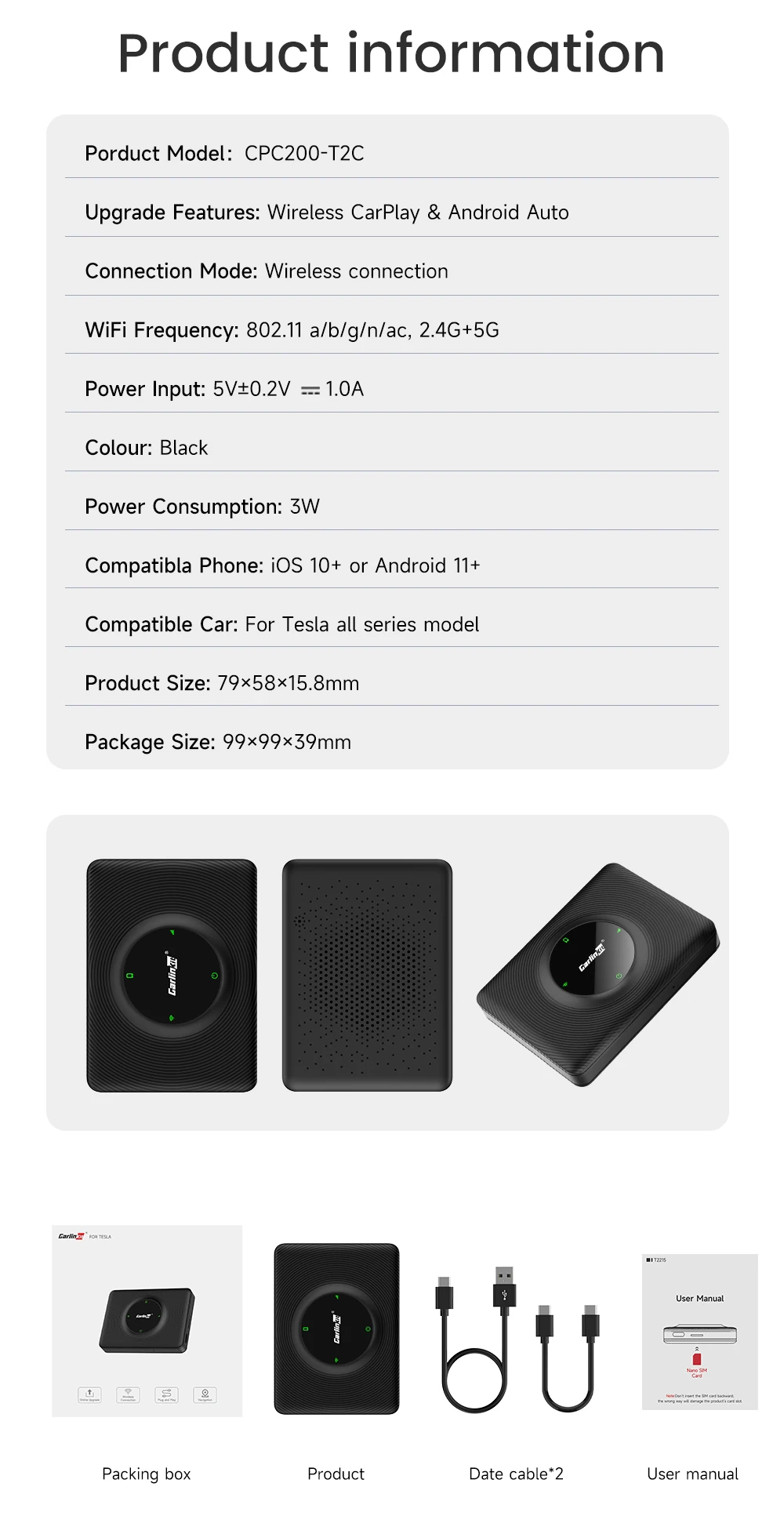
The all-black surface design that combines CD texture is more stylish and quality. The Compact box is small just like a credit card which will save space in your car.
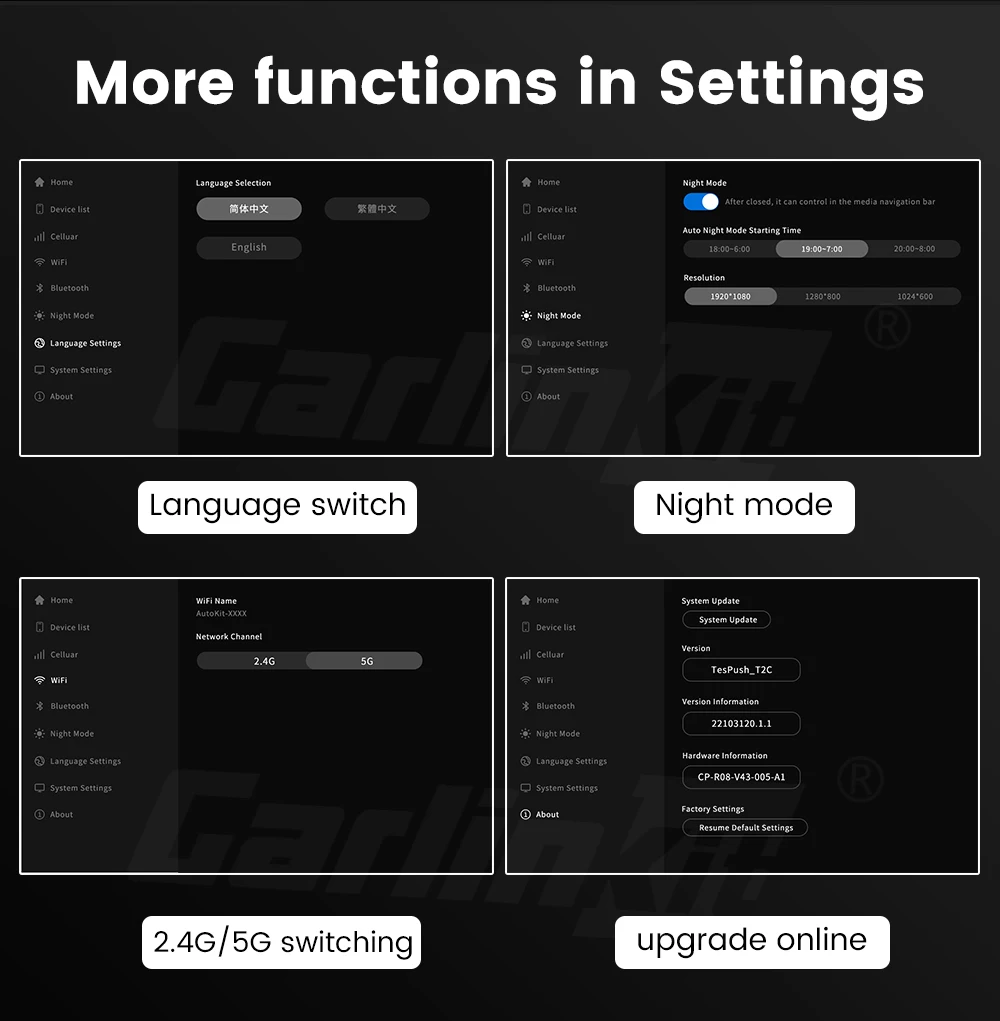
More Necessary Settings Here
The box only support English and Chinese now, and you can switch to the night mode in settings, also with 2.4G or 5G wifi swift button, the most important thing is this wireless CarPlay adapter also support OTA upgrade and feedback which can solve your issue easily after the communication with seller.
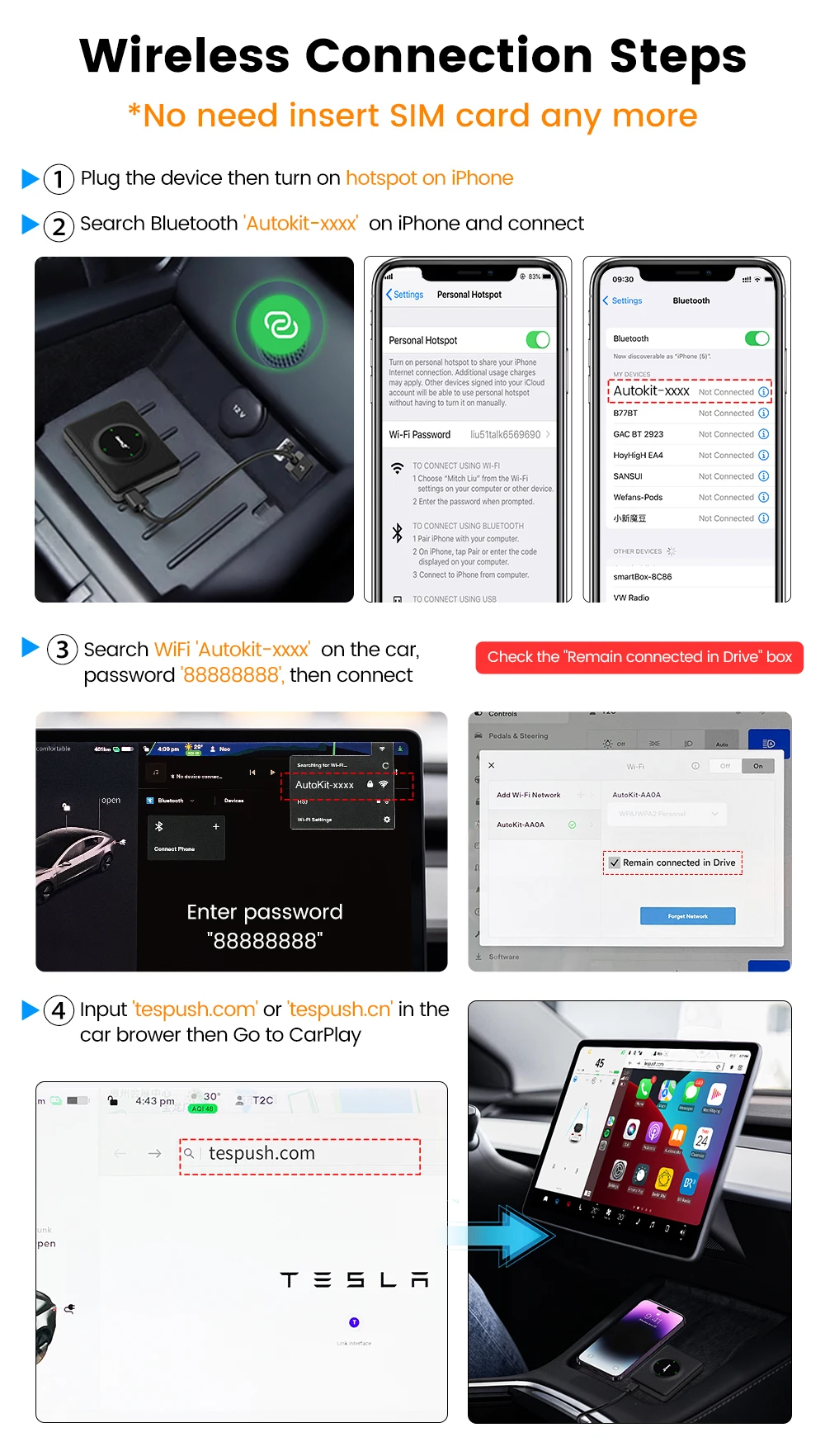
Connect Wireless CarPlay for Your Tesla Now
No need to insert SIM card now. For new version of T2C adapter, it's able to connect the device through bluetooth directly which bring much more convenience than before.
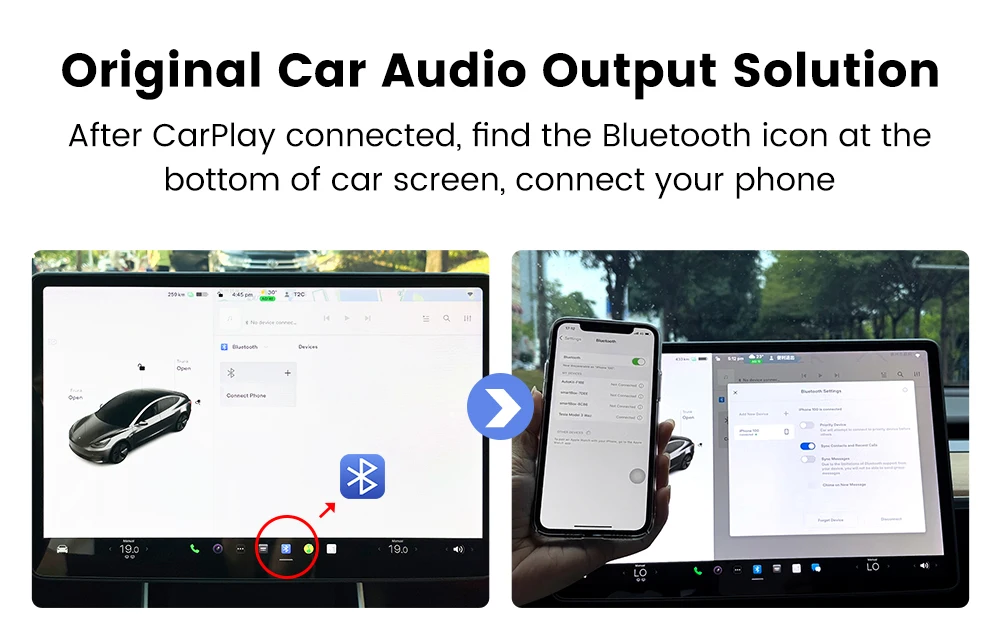
Multimedia Audio Output Solution
After CarPlay was connected, find the bluetoot icon at the buttom of car screen, connect your phone, then the sound will be heard from your origina car instead of phone.