


|
CarlinKit 5.0 C2Air Wireless Adapter Wireless CarPlay Android Auto Box
Description
CarlinKit 5.0 C2Air Wireless Adapter Wireless CarPlay Android Auto Box For OEM Cars Plug and Play WiFi Bluetooth Auto Connection
SPECIFICATIONS
Antenna: built-in FPC antenna
Blue status: Successfully connected
Brand Name: Carlinkit
CPU: Arm Cortex-A7
Certificate: CE FCC ROHS TELEC UKCA Bluetooth Certification
Choice: yes
Feature: Wireless CarPlay Adapter
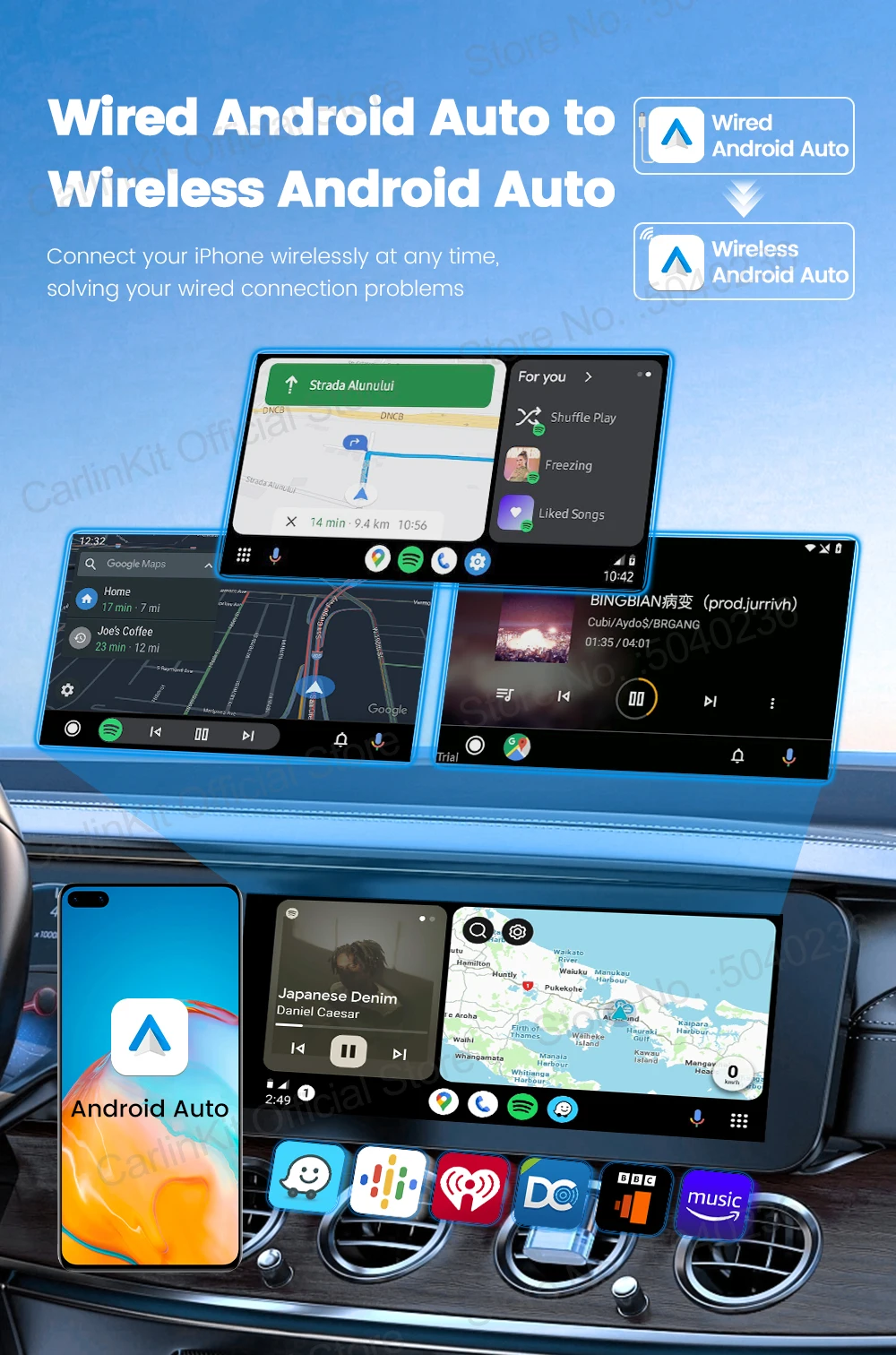
Function 1: Wired to Wireless Android auto
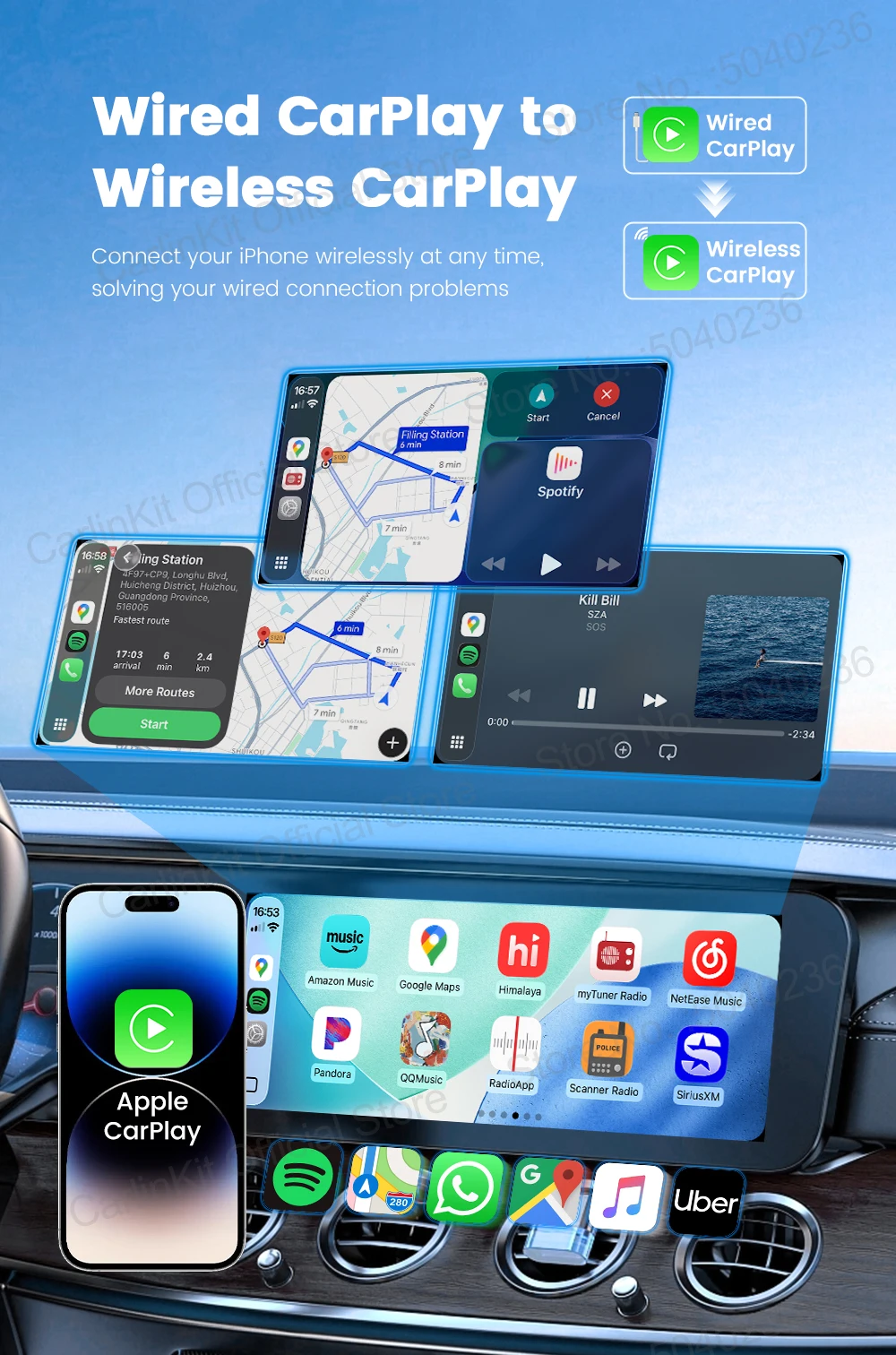
Function 2: Wired to wireless CarPlay
High-concerned chemical: None
Language: Automatically switch according to the vehicle language environment
Material: ABS + PC
Model: CPC200-C2Air
Name: Wireless Android auto Box
Origin: Mainland China
Port: LED Light USB C female port
Power Consumption: 0.75W
Power Input/Output: 5V±0.2V 1.0A
Product Size: 76x43x12.3mm
Red status: Power indicator
Resolution: Adaptive (maintain the original protocol resolution)
Supported Mobile Phones 1: iPhone iOS 10 and above version
Supported Mobile Phones 2: Android 11.0 and above
Supported Vehicles: Car with factory wired CarPlay or wired Android Auto
Surface Treatment: CD pattern
Type: CarlinKit 5.0 C2Air
WiFi Module: BCM8335
CarlinKit 5.0 CPC200-C2Air----- CarPlay Adroid Auto Wireless Adapter
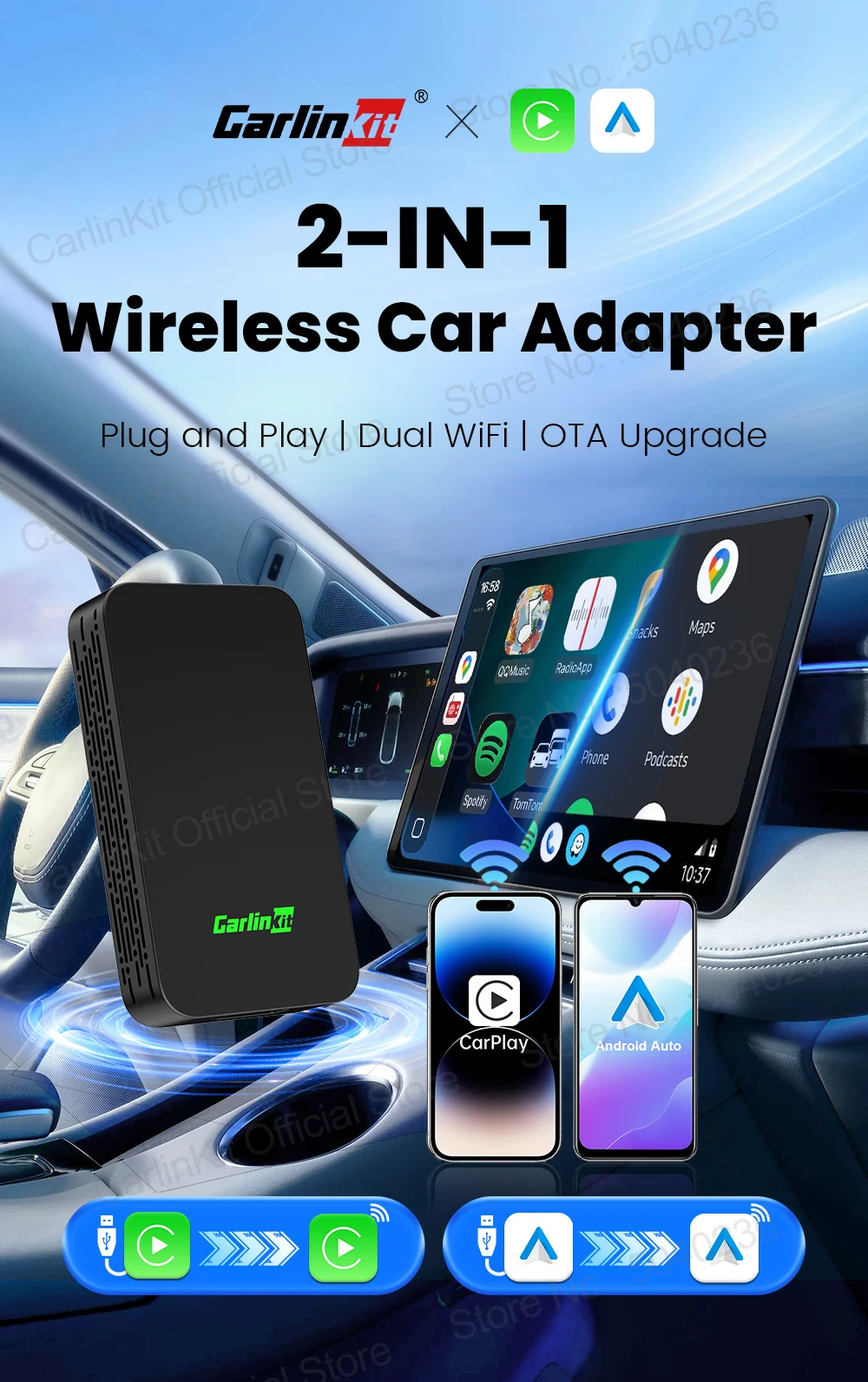
CarlinKit C2air newest wireless car adapter for android auto and CarPlay. It can convert wired Android auto or wired Apple CarPlay to wirelessly.
seamlessly switching the functions of your phone to your car screen.easy to play music, get navigation, or listen to music,it also support Voice Control, Siri,Google Assistant etc.
Product Feature
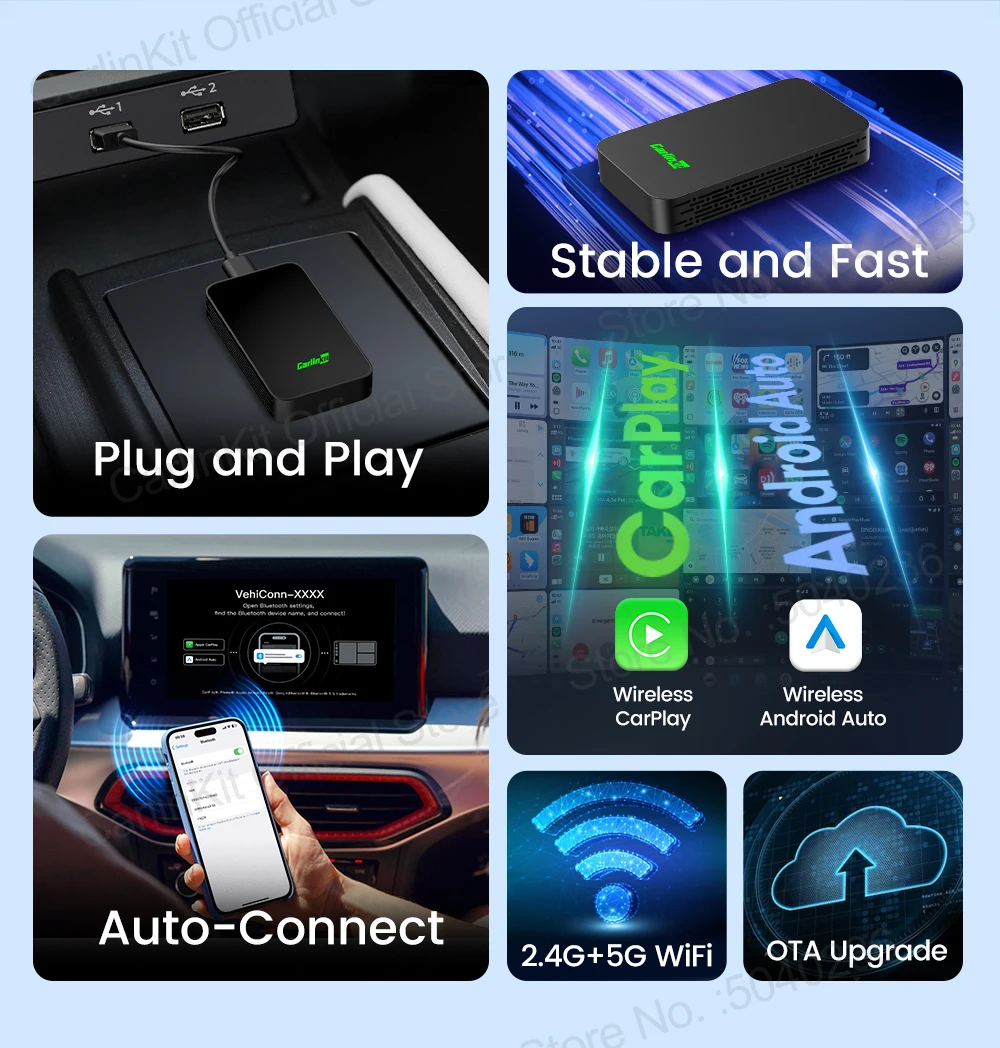
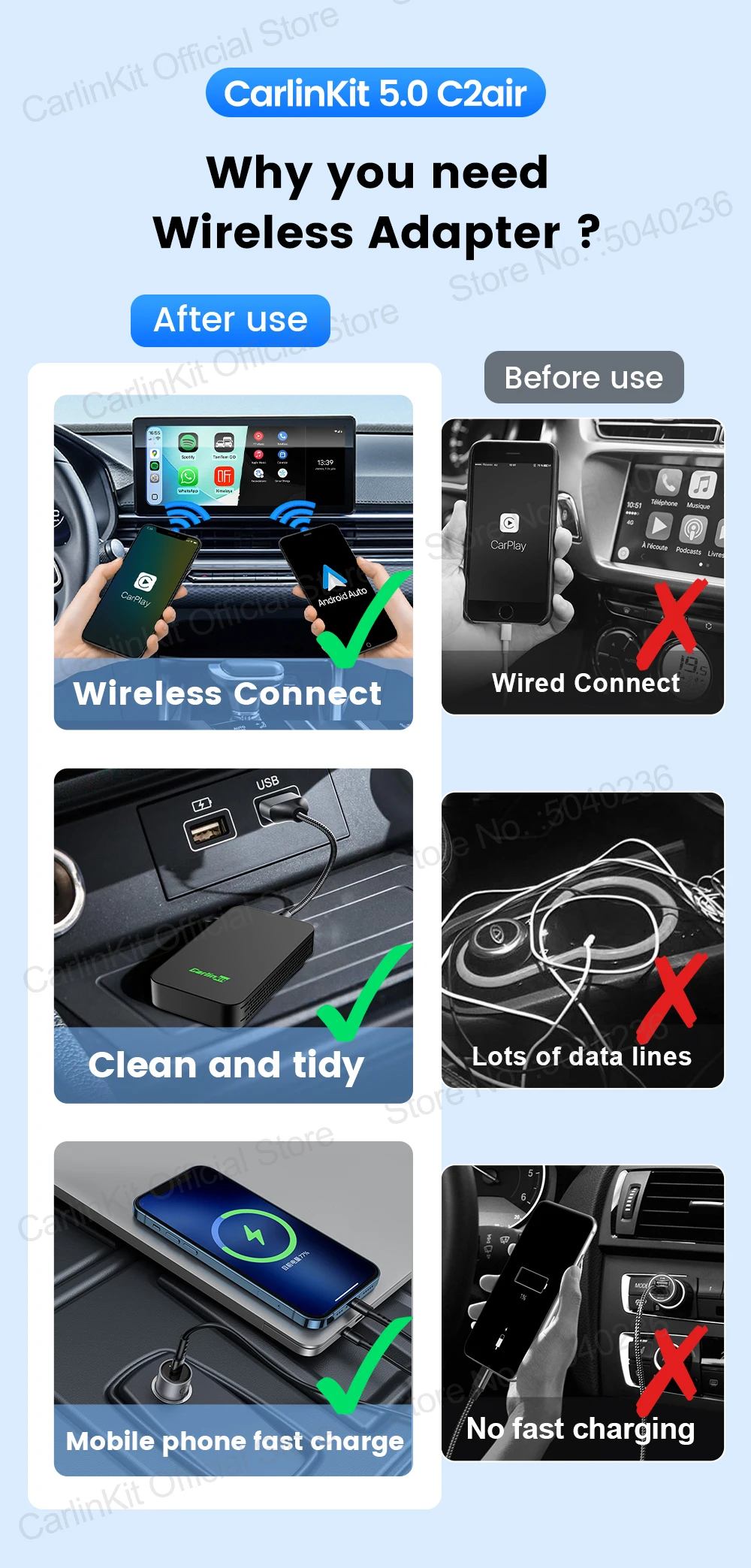
⭐Plug and play, non-inductive connection, say goodbye to wired constraints
⭐Wireless Automatic Connection,After completing the initial pairing, C2Air will record your phone data and automatically connect to your Smart phone the next time you get in the car.
⭐Low power consumption design ensures that the product can run stably in different environments.
⭐Adopt authentication and 2.4Ghz~5.8Ghz data transmission , data transmission speed faster and low latency
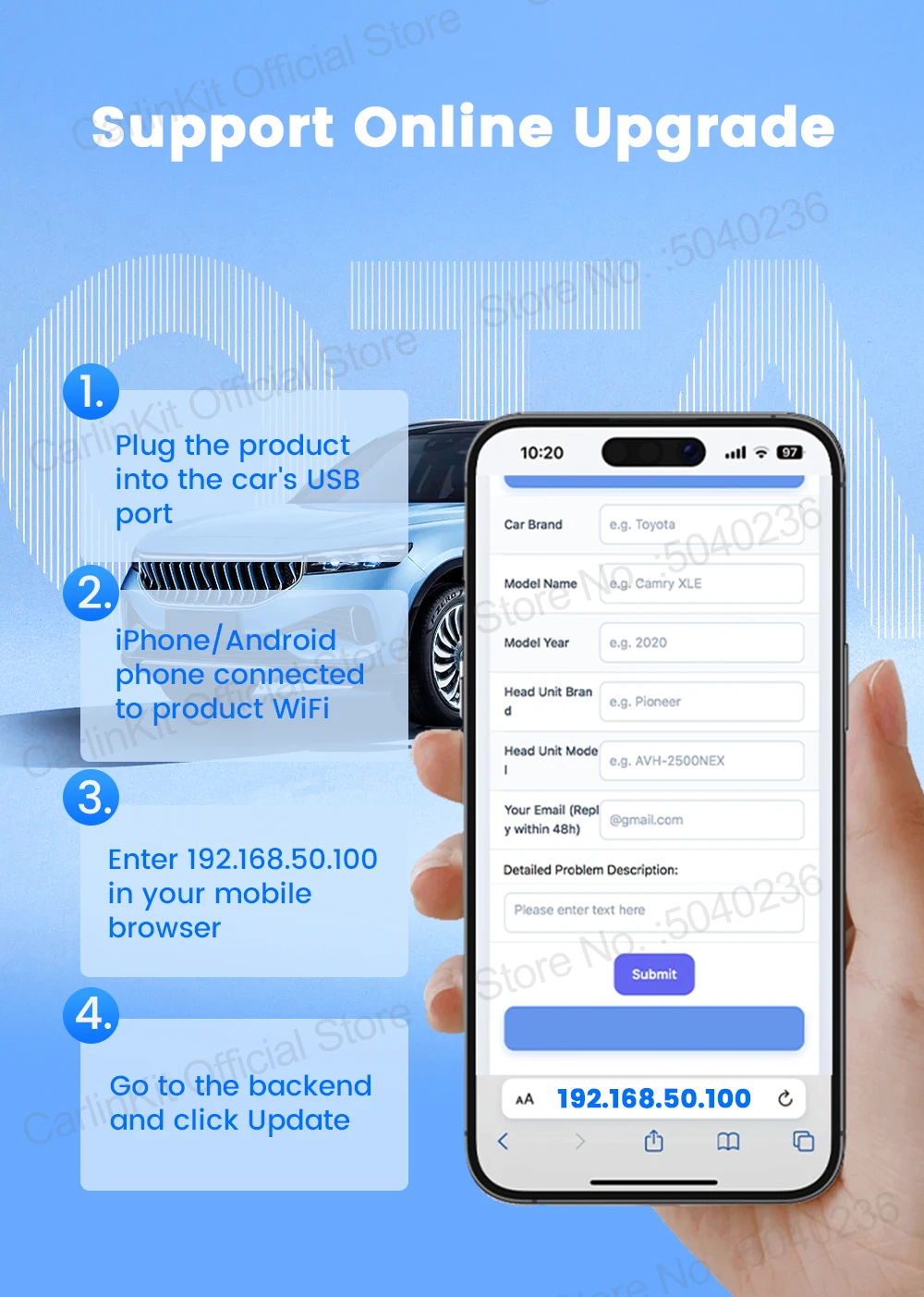
⭐Support OTA upgrade, online feedback, solve problems quickly
⭐Compatible with the original car microphone, continue the original car sound quality,Retain the original car operation,such as touch screen ,steering wheel control and knob control etc.
⭐ Wide Compatibility,Support iPhone with iOS 10 or above or Android phone with Android 11 or above system, iphone work for wireless CarPlay ,Android phone work for Android auto
⭐Mini size,Does not take up space and is easy to hide
Supported Mobile Phones & Vehicles
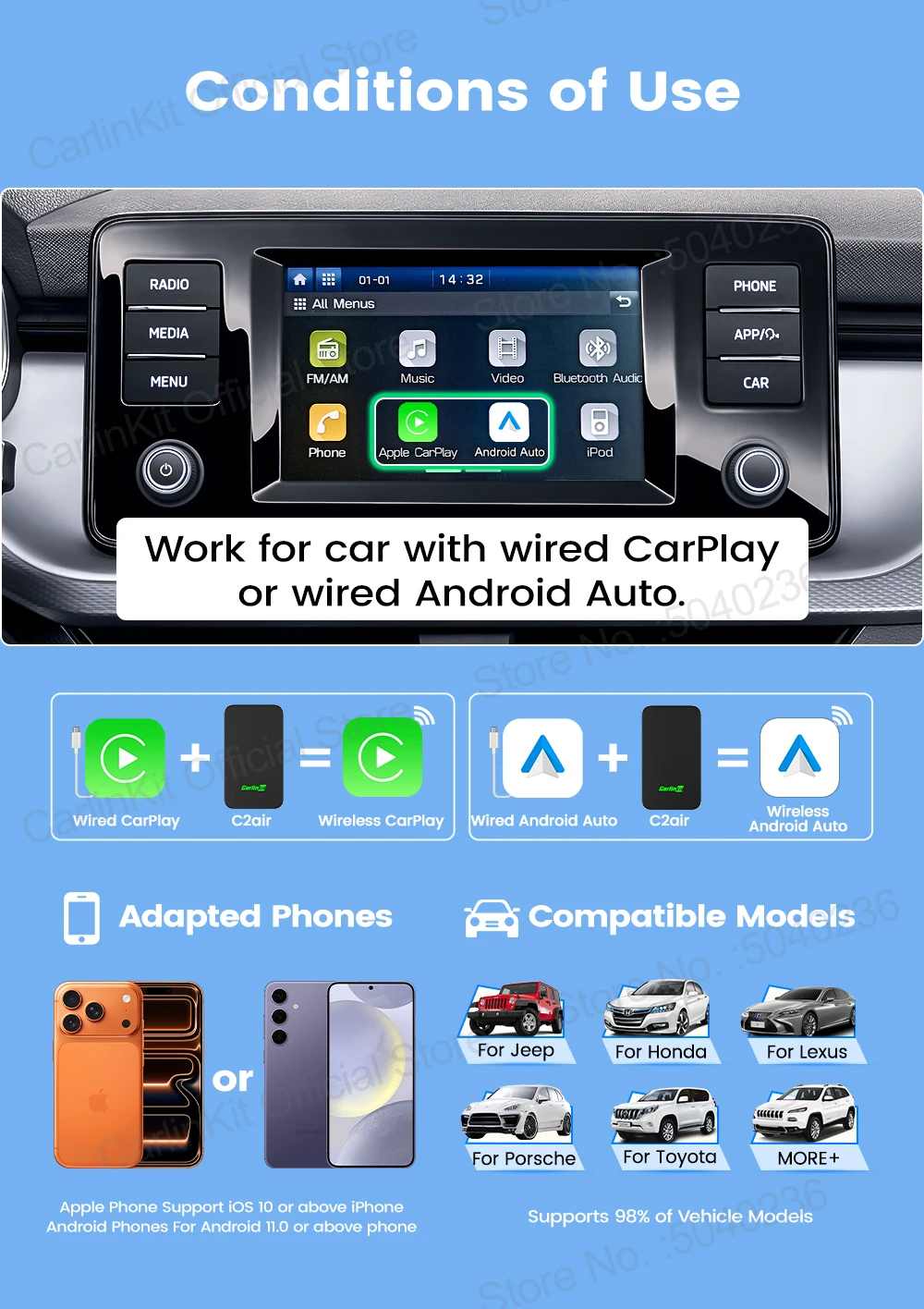
Supported car models: Car with original wired CarPlay or wired Android Auto function
iPhone: iPhone 6 and above, iOS 10 and above version
Android phones: support Android 11.0 and above version
*Warm Reminder:The label will show 2Air-T, but the packaging will show CPC200-C2air. 2Air-T and C2Air are the same product. Please note this.
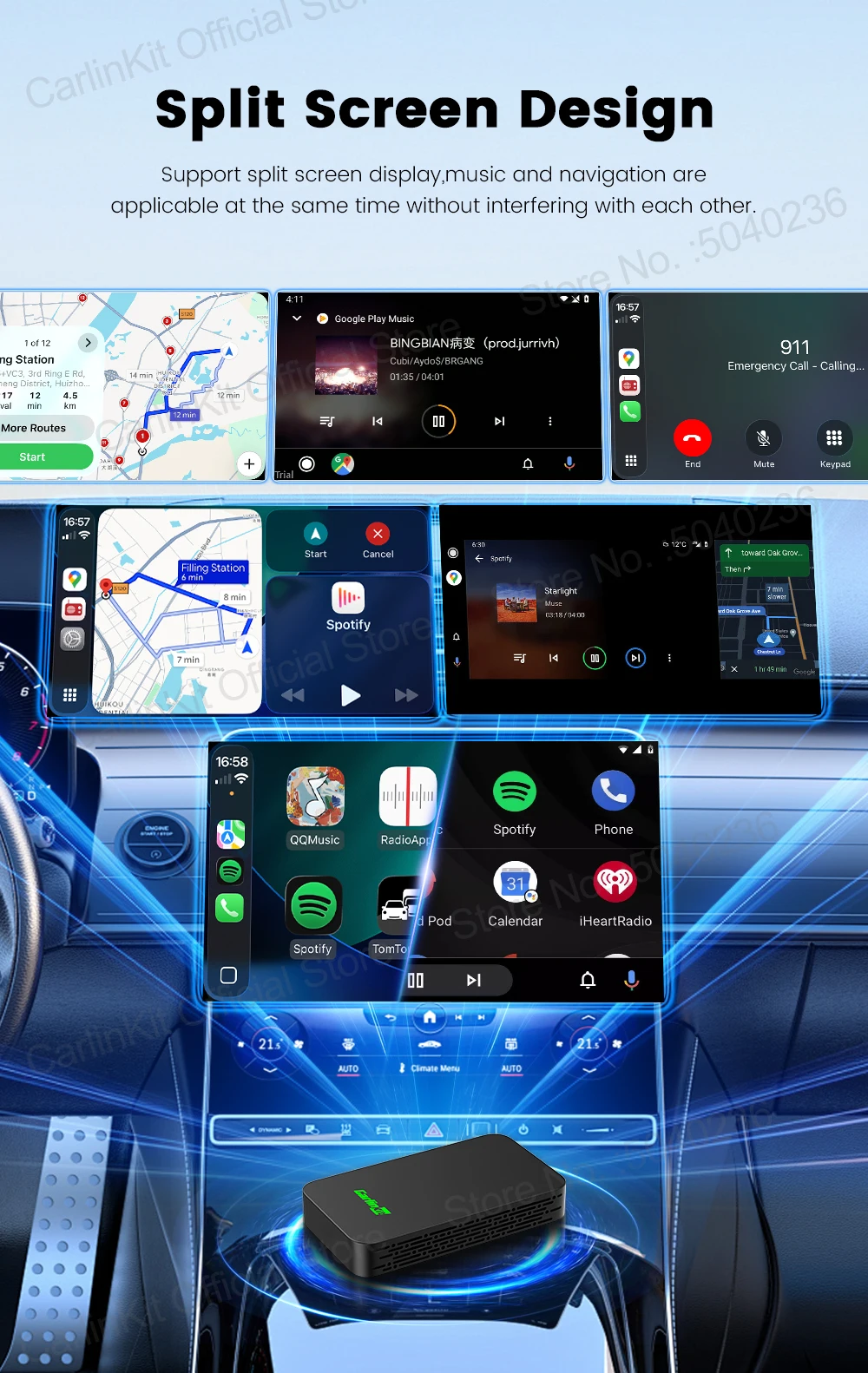
Split Screen design
Support split screen display,music and navigation are applicable at the same time without interfering with each other.
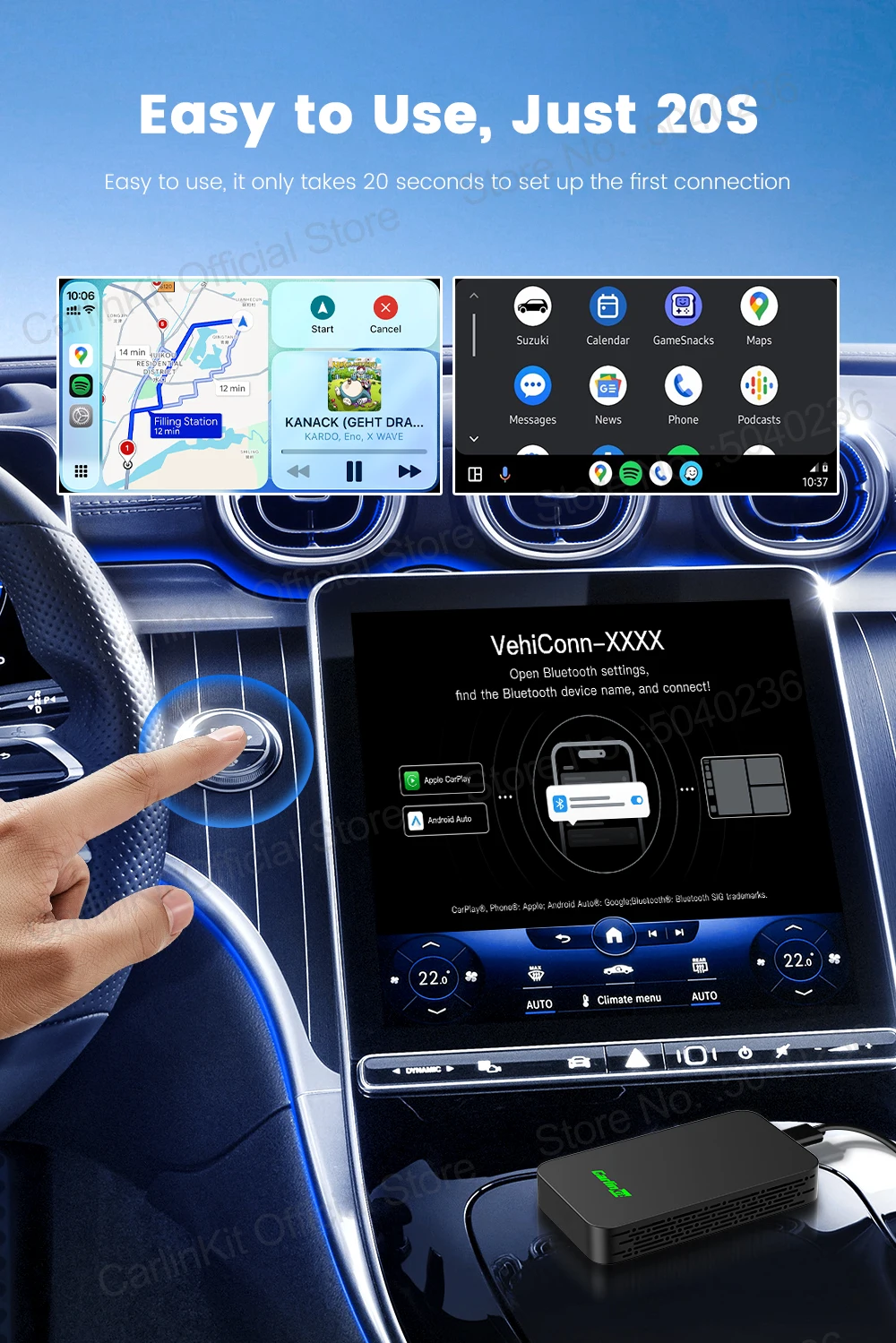
Plug and Play ,Easy to Use
Easy to use, it only takes 20 seconds to set up the first connection
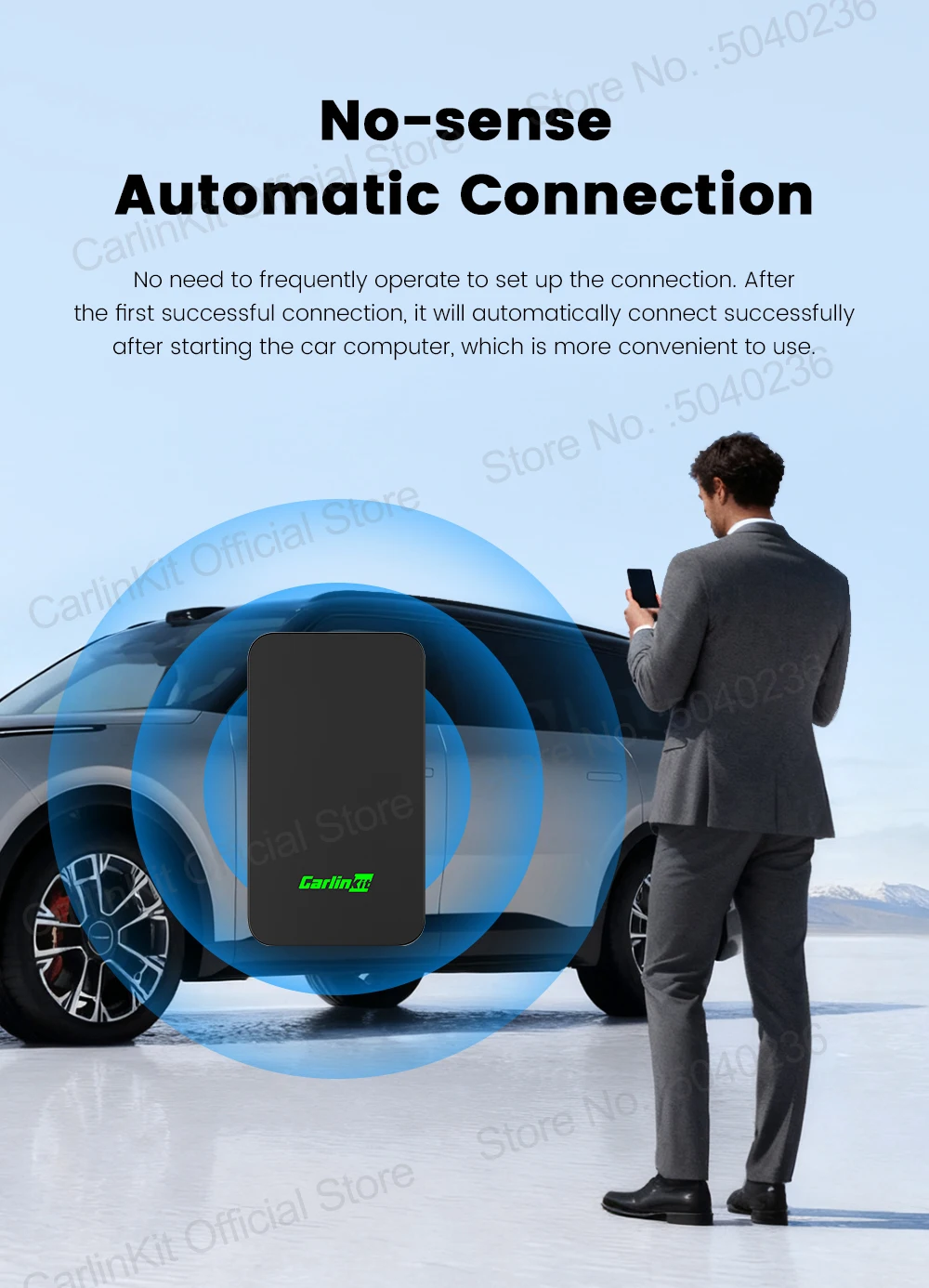
Non-inductive automatic connection
No need to frequently operate to set up the connection. After the first successful connection, it will automatically connect successfully after starting the car computer, which is more convenient to use.
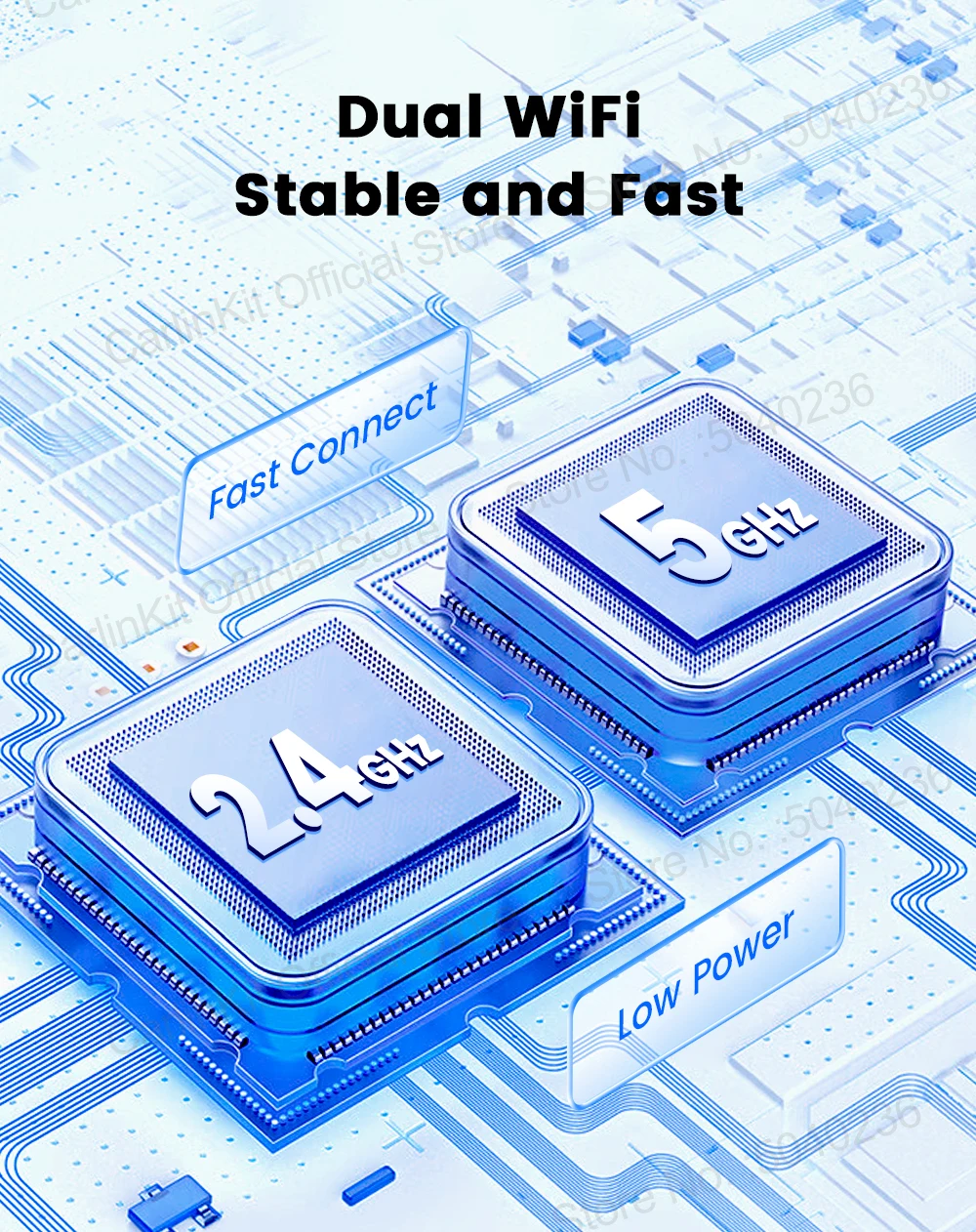
5.8Ghz transmission rate, faster and more stable
Adopt 5.8Ghz wireless module, less susceptible to interference, faster mobile phone connection ,Support dual-band wifi connection, 2.4Ghz and 5.8Ghz wifi all can be used
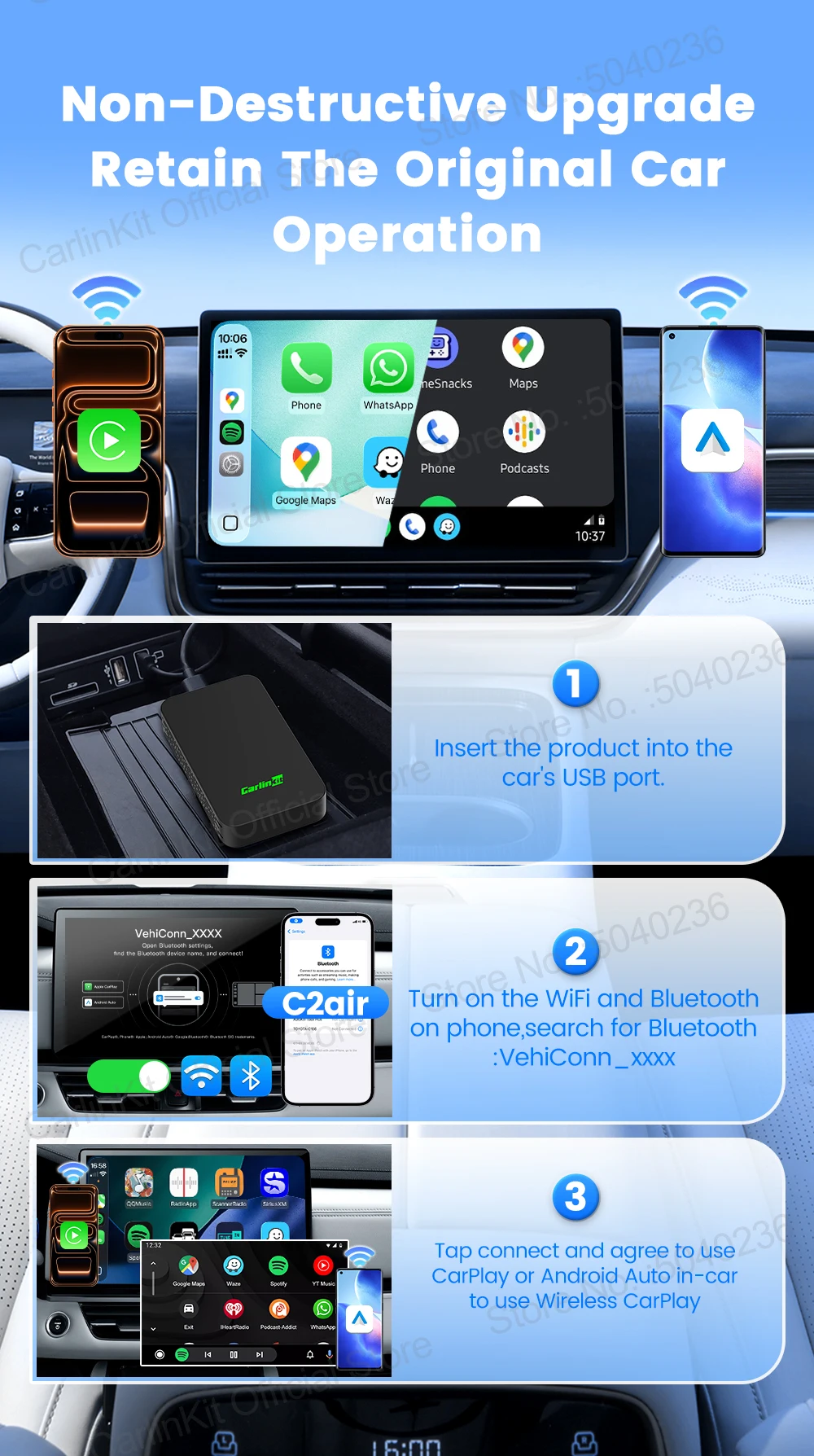
Non-destructive upgrade
Retain all the functions of the original car, no need to change driving habits, travel safer
Only 4 steps to complete the connection
① Insert the adapter into the car's USB-A/USB-C port
②Turn on the WiFi and Bluetooth of the iPhone or Android Phone
③Enter the Bluetooth interface of the iPhone or Android Phone and search for the Bluetooth name VehiConn-XXXX displayed on the car screen
④Tap Connect and agree to use CarPlay/Android Auto in-car to access wireless CarPlay/Android Auto
Share this product
You might also be interested in one of these


1005004905739700
|
Carlinkit
Carlinkit Wireless CarPlay Dongle Car Play Wireless Android Auto Adapter For Tesla
from
$59.44


1005009022507720
|
Tesla Toy Shoppe
CarlinKit Wireless CarPlay Android Auto For Tesla Model 3 Model X Y Model S
$56.77


1005004879916836
|
Carlinkit
CarlinKit Wireless CarPlay Android Auto For Tesla Model 3 Model X Y Model S
$59.67


1005008049097877
|
Tesla Toy Shoppe
Magnetic Phone Holder For iPhone 15 14 Pro Magsafe Mount Support for Tesla model Y 3
from
$20.26


1005007789939479
|
Tesla Toy Shoppe
2/3/4/5M RGB Car Interior Ambient LED Light Strip Invisible USB Fiber Optic
from
$9.40


1005004511184665
|
Yikun
4PCS Hub Cap for Tesla Model Y Juniper 19 Inch Performance Crossflow
from
$109.08


1005009312408299
|
Tesla Toy Shoppe
4PCS Hub Caps for Tesla Model Y Juniper 20-Inch Wheel Covers
from
$109.73